
The Google Cloud Platform is the infrastructure that powers the Google products you are familiar with including Gmail, Search, and Google Photos.
In April of 2008, Google announced its first service called App Engine, a cloud compute service for developing and hosting web applications in Google-managed data centers. Since then, Google has evolved and added more cloud services to its platform.
GCP lets developers build and host applications and websites, store data, and analyze data, all on Google’s scalable and reliable computing infrastructure.
It has hundreds of products and tools in categories like compute, storage, databases, networking, and machine learning that seamlessly integrates with each other.
Compute products help us deploy our applications in the cloud. For example, you may want to deploy a simple e-commerce web application in GCP, and for that, you might want to use App Engine or provision a Compute Engine instance to host your application.
Storage and database products help us store, retrieve, and query data in fully managed cloud environments. For example, you may want to store data from a physical fitness app and the requirement is to make sure that the relational databases are highly available, knowing this, you might want to use Cloud Spanner to accomplish this requirement.
Moreover, networking services like the Virtual Private Cloud, Cloud VPN, Cloud Router, and Cloud Interconnect helps us manage and scale our global network infrastructure seamlessly.
Google also offers machine learning and artificial intelligence (AI) products. You can build and deploy your machine learning models to AI platforms or leverage on easy-to-use pre-trained machine learning APIs like Vision and Natural Language.
Projects
Any Google cloud resources that you allocate and provision must belong to a project. Think of projects as the organizing entity for the things you will build in GCP.
A project is composed of settings, permissions, and other metadata that describe your applications. Resources within a single project can work together straightforward by communicating through an internal network, subject to region-and-zone rules. A project can’t access another project’s resources unless configured to do so using Shared VPC or VPC Network Peering.
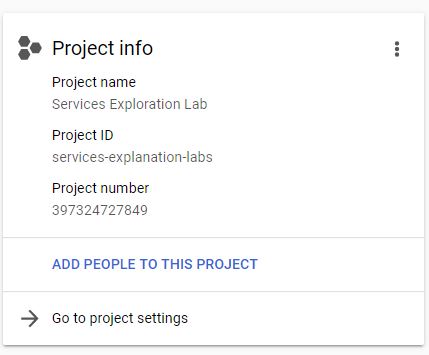
Each Google Cloud project has the following information:
- Project Name – which you will provide
- Project ID – which you can provide or Google Cloud can provide for us
- Project Number – which Google Cloud provides
A project ID is unique across Google Cloud. You can delete projects but the ID can never be used again.
A project serves as a namespace, which means that every resource within each project must have a unique name. Though you can generally reuse resource names if they are in separate projects, some resource names must be globally unique.
How do we interact with Google Cloud Platform services?
There are three different ways to interact with GCP services.
1. Cloud Console
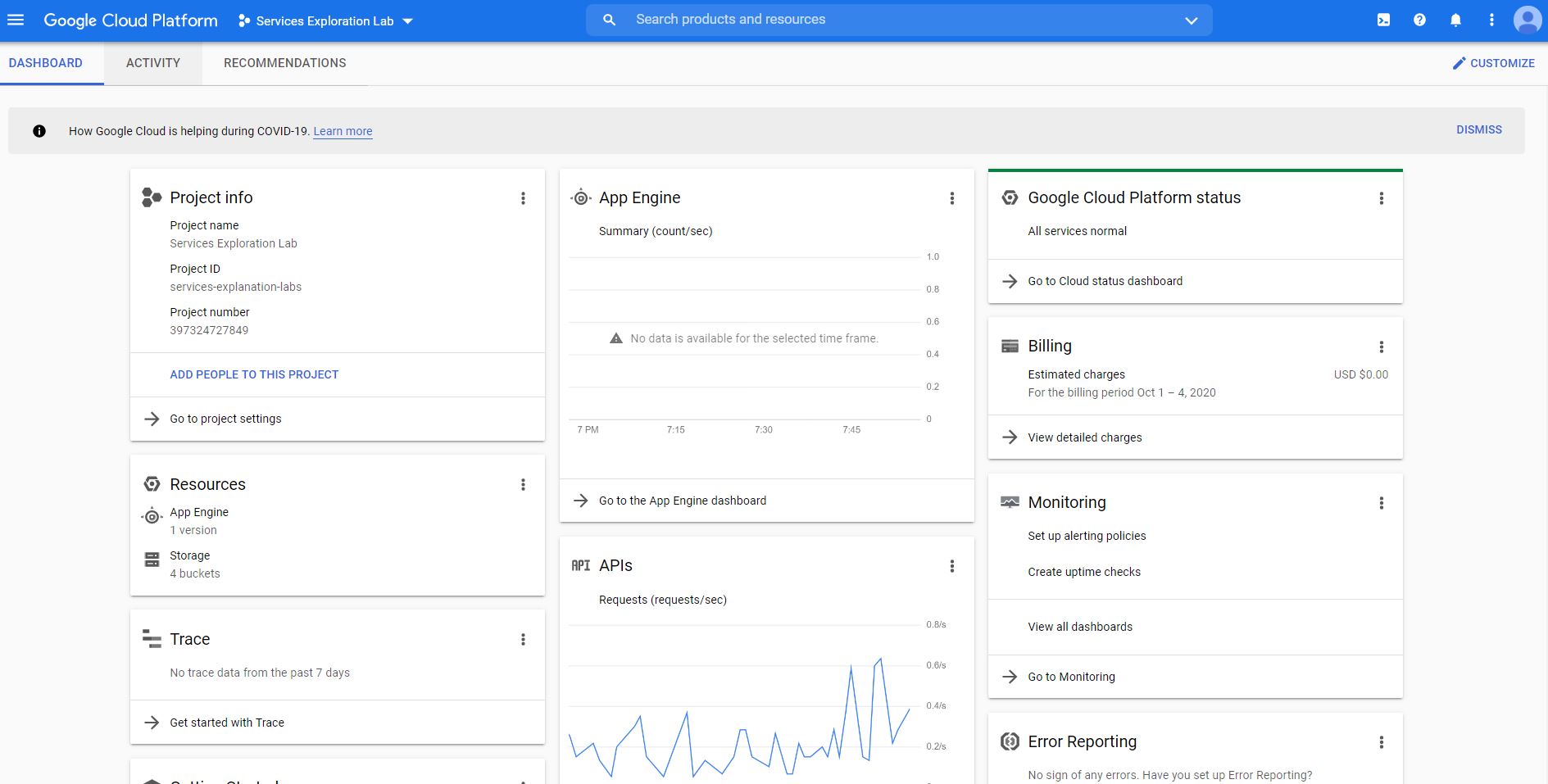
The Google Cloud console provides a web-based graphical user interface that you can use to manage your Google Cloud projects. In using the Cloud Console, you start by creating a new project or by choosing an existing project. From there, you can configure the resources you created in the context of that project.
The two other ways to interact with Google Cloud services utilize the use of the command line interface and the gcloud tool. The gcloud tool lets us manage development workflow and Google cloud resources via a terminal window.
To run gcloud commands, you can use the following: Cloud SDK and Cloud Shell.
2. Cloud SDK
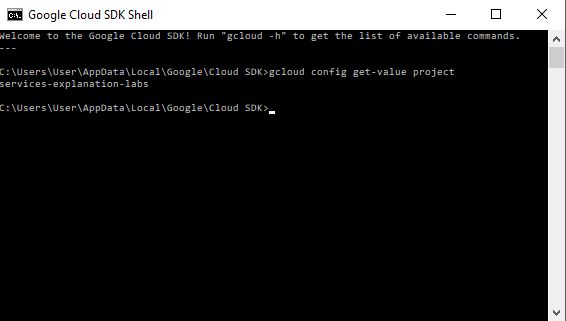
You can install Cloud SDK on your machine. The SDK includes the gcloud tool so you can open a terminal window on your own computer and run commands to manage Google Cloud services.
To install Cloud SDK on your computer, visit the Cloud SDK installation instructions page.
https://cloud.google.com/sdk/docs/downloads-versioned-archives
3. Cloud Shell
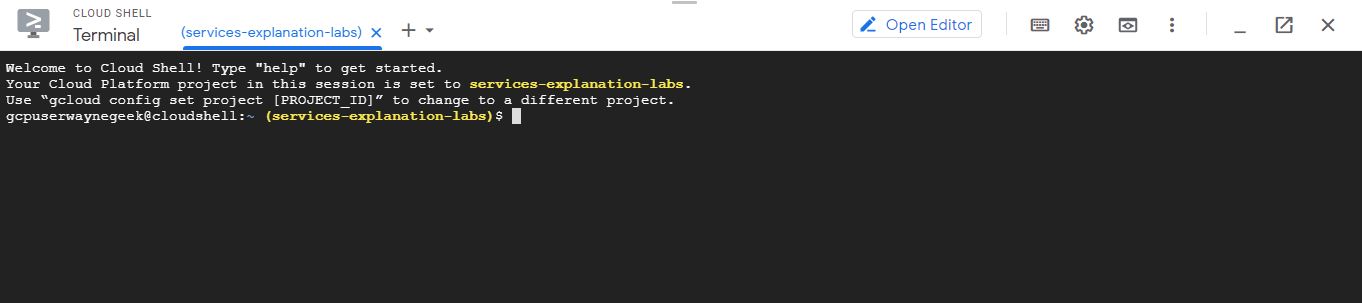
The cloud shell is a browser-based shell that you can open via Google Console.
Cloud Shell provides the following:
- A temporary Compute Engine virtual machine instance running on Debian based Linux operating system.
- A built-in code editor.
- 5 GB of persistent disk storage mounted as your $HOME directory on the virtual machine.
- Pre-installed Cloud SDK and other tools.
- Language support for Java, Go, Python, Node.js, PHP, Ruby and .NET.
- Web preview functionality.
- Built-in authorization for access to Cloud Console projects and resources.
The number of services that Google Cloud offers are growing. When you develop your website or application on Google Cloud, you mix and match these services into combinations that fit the requirements of the infrastructure you need.
Comments
Post a Comment